
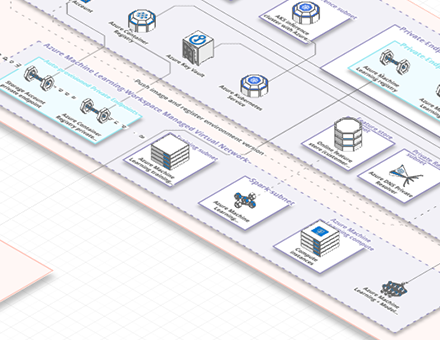
You can now turn an image of an infrastructure diagram into an editable Arcentry diagram. Open Import → From Image, upload a PNG or JPEG, or drag an image from your files or a browser window, then choose Convert to IDF.
Review the conversion notes and component, group, and connection counts, then choose Import IDF to add the result to your canvas. From there, customize and extend the diagram as usual.
Images can be up to 5 MiB and 16 megapixels.