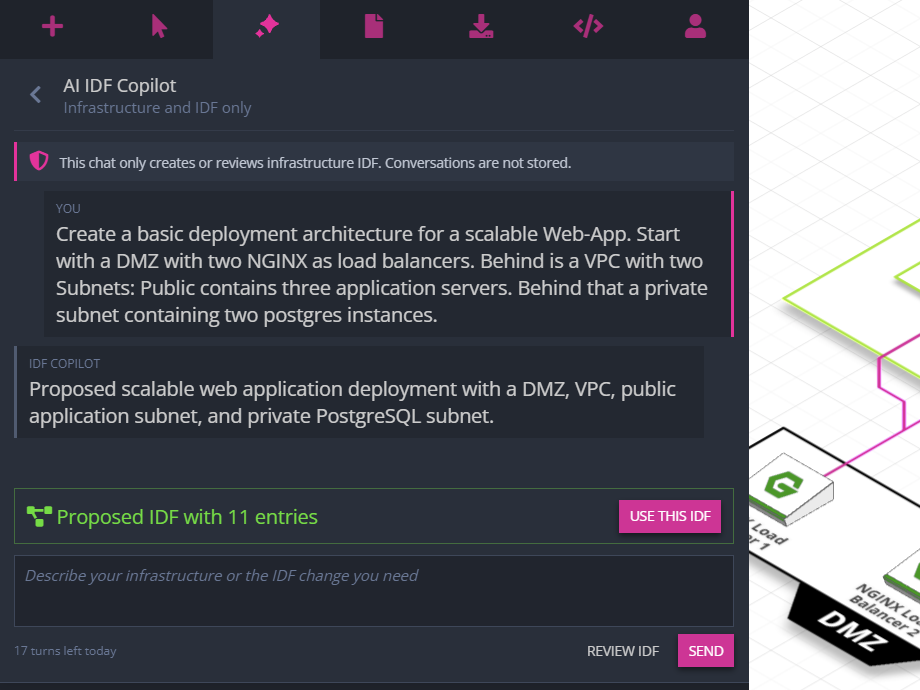
Create and Edit Diagrams via AI Chat
Describe the architecture you need, answer a few questions, and let Arcentry’s AI Chat create the diagram for you.

Product updates
Follow new capabilities, workflow improvements, and fixes as the product evolves.
Describe the architecture you need, answer a few questions, and let Arcentry’s AI Chat create the diagram for you.
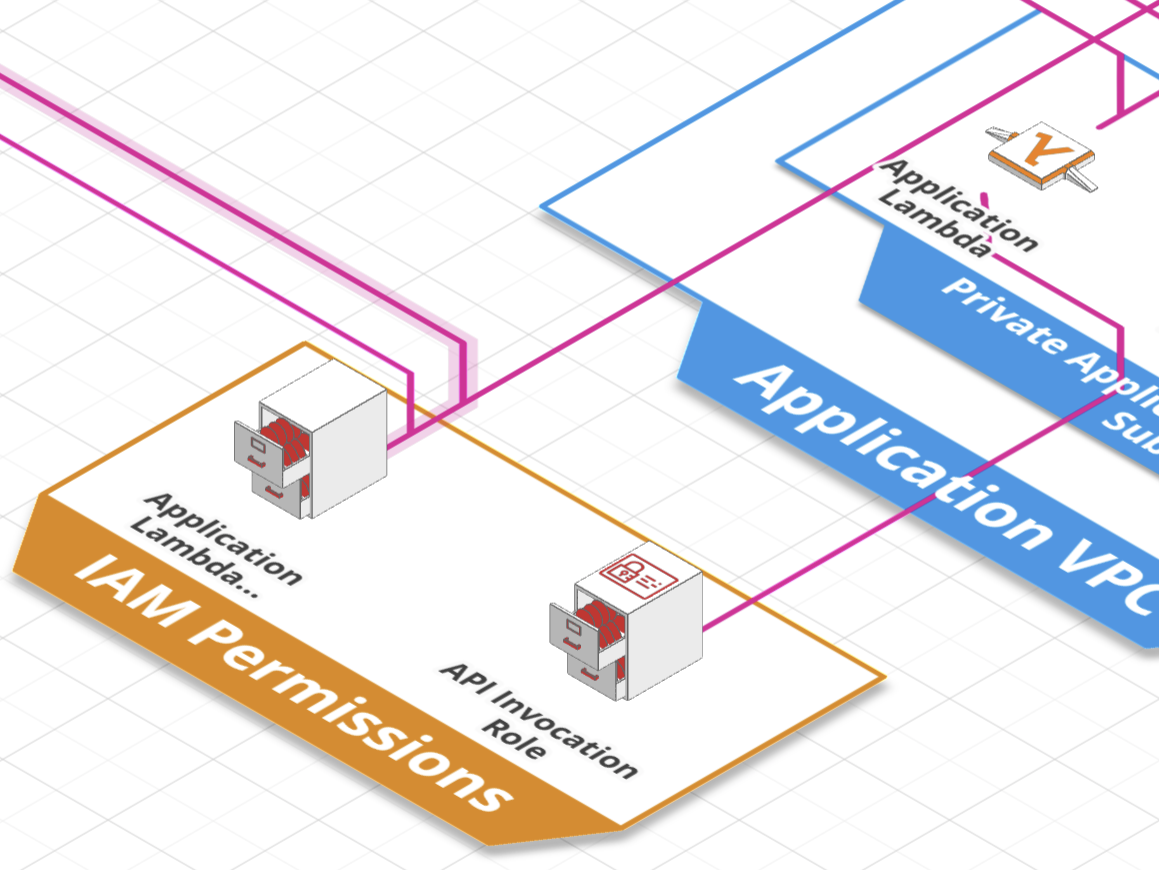
Import an AWS CloudFormation template and Arcentry will automatically turn it into a beautiful diagram.
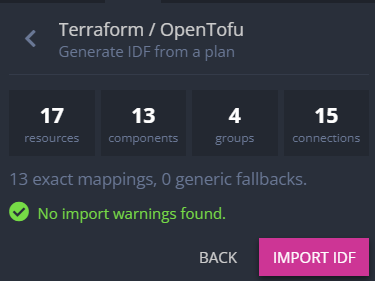
Upload exported Terraform or OpenTofu data and Arcentry will turn it into a beautiful infrastructure diagram.
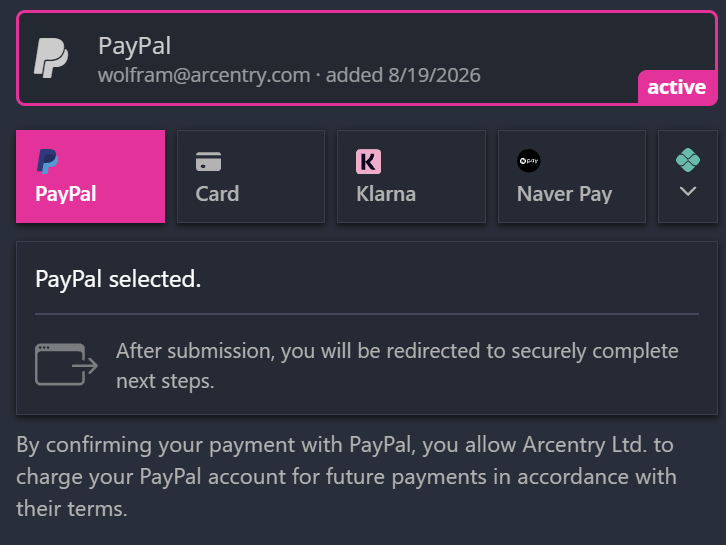
You can now pay for your Arcentry subscription with PayPal, alongside credit cards and Google Pay.
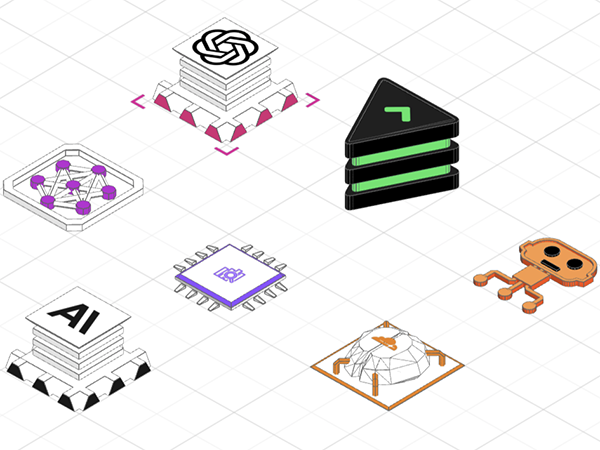
Arcentry’s component library has grown from 341 components to 746, covering the latest cloud and AI infrastructure.
Automatically created diagrams can now use frames to express associations that span nested groups.
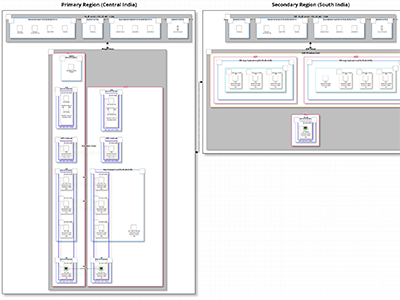
Automatic diagram creation now handles massive architectures with hundreds of interlinked components, groups, connections, and data.
It is now possible to export diagrams at any resolution.
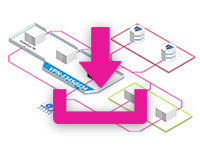
You can now create images for documents or from JSON/CSV directly via the API.
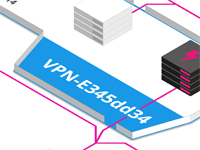
You can now specify margins, paddings and other settings for automatically created diagrams.
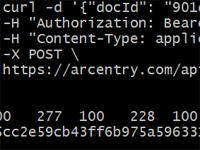
You can now create and manage documents, folders and embeds via the API.
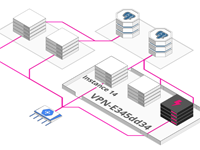
This new API endpoint turns simple JSON or CSV lists of infrastructure components into well structured and layed out diagrams.
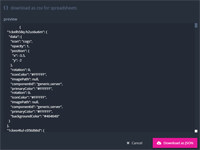
The new JSON exporter lets you download your entire document as JSON.
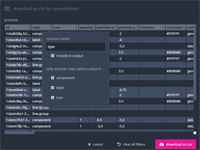
Our new CSV exporter lets you export your documents for Excel & Co, filter rows and columns and change labels.
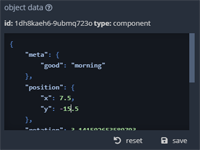
You can now edit and manipulate the state of your components directly as JSON in the app.

We improved support for Mac keyboards and fixed bugs related deleting objects while collaborating and view menu placement.
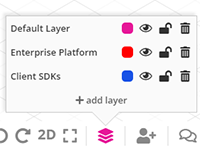
Layers make it easier to organize large architectures. They allow you to group objects and toggle their editability, visibility or delete them in bulk. If you've ever used Photoshop, you know the drill. To use layers, access them in the bottom right menu.
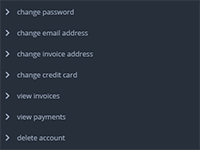
You can now change your email, specify a billing address, update your credit card, download your invoices and monitor your charges - directly from the account panel.
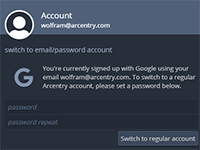
If you've signup up with Google or Github, you can now easily switch to a regular account from the account tab.
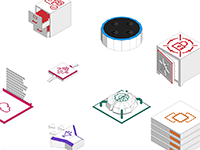
Amazon Web Services have updated their icons - and we love the new look. All AWS objects in Arcentry now display their fresh, new iconography.
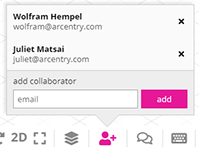
Finally: Arcentry now lets you share diagrams with other users and work together in realtime - Google Docs style. To collaborate with another user, simply click the user-plus icon in the bottom right and add them. You can find all documents that are shared with you in the "shared with me" tab in the documents panel.

Granted, not the most world-shattering addition - but there now is a fully customizable smartphone object to indicate mobile support in your diagrams.
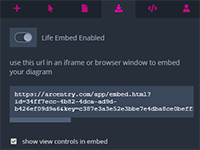
Without a doubt, one of the most requested features: Live Embeds enable you to embed realtime updating diagrams directly into third-party applications, e.g. monitoring dashboards like Grafana or Kibana, Web apps or Screens. You can create live embeds in the export-tab (standard plan only).